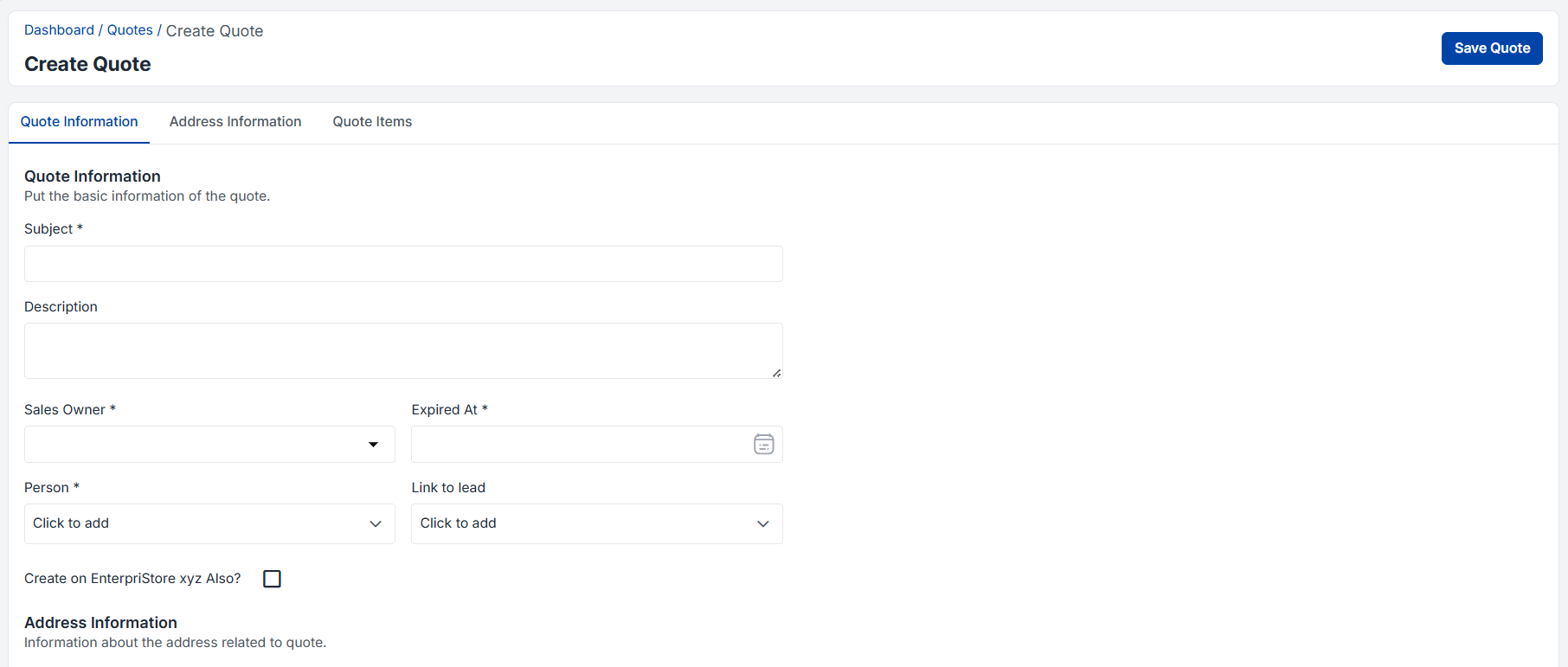
Step-by-Step Quote Creation Walkthrough
Navigation Path: Admin Panel → Quotes → Create Quote
Step-by-Step Quote Creation Walkthrough
Navigation Path: Admin Panel → Quotes → Create Quote
Subject Line Strategy:
The subject line serves as the primary identifier and customer-facing title for the quote document.
Subject Line Best Practices:
Subject Line Examples:
Advanced Subject Management:
Description Architecture:
The description field provides detailed context, scope, and value proposition for the quoted solution.
Description Components:
EXECUTIVE SUMMARY:
This quote provides a comprehensive CRM solution for Acme Corporation, designed to increase sales productivity by 35% and improve customer satisfaction through enhanced relationship management capabilities.
SCOPE OF WORK:
IMPLEMENTATION TIMELINE:
Phase 1: System setup and configuration (2 weeks)
Phase 2: Data migration and integration (3 weeks)
Phase 3: User training and rollout (2 weeks)
Phase 4: Go-live and optimization (1 week)
SUCCESS CRITERIA:
ASSUMPTIONS:
EXCLUSIONS:
NEXT STEPS:
Dynamic Description Features:
Strategic Sales Owner Selection:
Sales owner assignment ensures proper quote ownership, follow-up responsibility, and customer relationship management.
Assignment Criteria:
Multi-Owner Scenarios:
Owner Performance Tracking:
Strategic Expiration Dating:
The expiration date creates urgency while providing adequate evaluation time for customers.
Expiration Strategy Factors:
Standard Expiration Timeframes:
Expiration Management Features:
Contact Person Selection Strategy:
Proper contact identification ensures quotes reach the right stakeholders and decision-makers.
Contact Categories:
Contact Validation and Enrichment:
Lead-to-Quote Conversion:
Direct linkage between leads and quotes ensures seamless sales process flow and complete opportunity tracking.
Integration Benefits:
Opportunity Advancement: